There is an error in one of the identification details entered in the system.
Please try entering the information again and check the text direction.
If the issue continues, please write to us using the support form or contact us at 1-700-550-800.
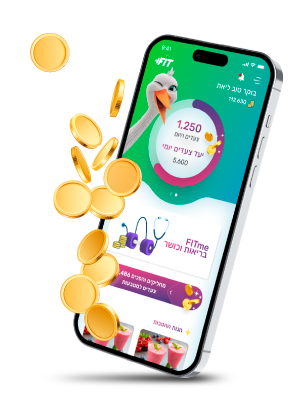
The fitness app that helps you stay healthy! Check it out on our website.
All the information you need
According to the Ministry of Health guidelines, access to the digital services and viewing medical information will soon be available only after identification with a one-time code sent to your mobile phone. This is to ensure secure access to your medical record without the need to remember a permanent password. Your personal password will be cancelled and replaced with a one-time verification code sent to your mobile phone.
To receive a one-time code via SMS, your mobile number must be updated in Leumit’s systems. If the details are not updated, please call *507 or visit your branch.
That’s it — you’re now in your personal area
The code is valid for a limited time only. If it expires, you will need to request a new code.
The service is available for members over the age of 16 whose mobile phone number is updated in the system.
There is an error in one of the identification details entered in the system.
Please try entering the information again and check the text direction.
If the issue continues, please write to us using the support form or contact us at 1-700-550-800.
You may not have received the code due to cellular reception issues.
Please make sure your device is connected to the internet.
The initial login must be done using a one-time code.
After that, you can set up fingerprint login or a new pattern.
You must ensure that your mobile number is updated in Leumit’s systems.
If not, you must update it through an in-person request at the medical center.
You will need to present your ID card and the appendix listing the children.
Like today, minors aged 16 and above can log in to the digital system. They either need to have a registered mobile number and consent to receive personal information, or by using the parent’s mobile phone number.
At this stage, it is still possible to log in using a password.
Later on, it will also be possible to receive the code via the email address registered in Leumit’s systems.
If you encounter any issue logging in, you can contact the support center: